I can’t seem to start a post to save my life today. I was going to do a little vignette on my mantel’s Easter pastels but I can’t get the lighting to cooperate AT ALL. So I said phooey on that (well, that’s not exactly what I said but you get the gist, I want to keep my PG rating) and decided to do a post on eating and take my pictures outside where it is gloriously sunny.
Of course just then the camera’s batteries died and I had to go around the house and check all the remotes until I found one that had AAs I could pilfer. By the time I got that all sorted out I couldn’t remember exactly what I wanted to say about eating. Except that I’m not doing much of it and the weight is just not wanting to come off. I think my fat has abandonment issues.
So let’s go back to the photo problem. I’m always going to have issues with light. I think I need a fancier camera but I also thing the quality of my pictures would be much enhanced by using a photo editor like Photoshop where I could tweak things a bit.
So I’m looking for advice – I downloaded a trial copy of the full blown Photoshop and omibob – I cannot figure it out. And I write training for software applications for a living! I should be able to do this. I realize that it is probably way more application that I actually need. I see there is another (cheaper) Photoshop program called Photoshop Elements that seems to be a toned down version. Does anyone have this or have any advice for me?
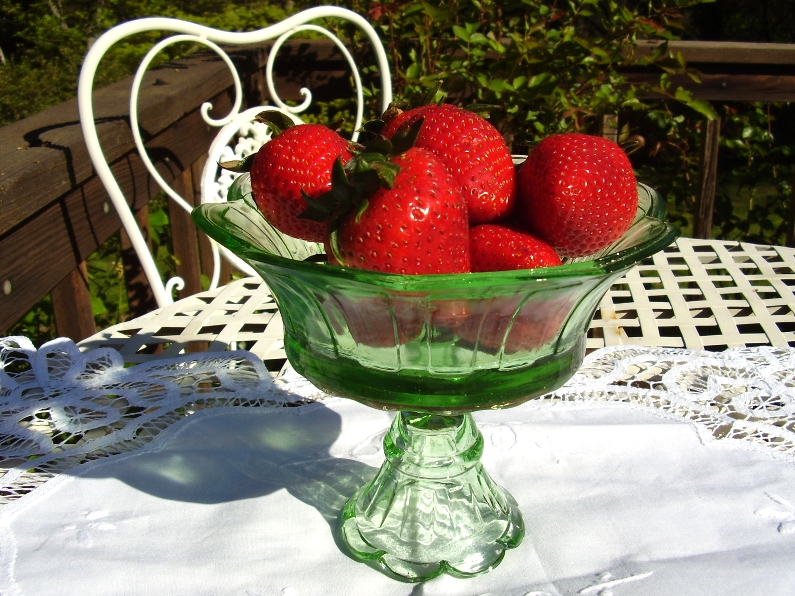
By the way ~ it’s a little early for strawberries. They look pretty but they are still too tart.
There’s still time to post a comment for the Blue Moon Giveaway! Just leave a comment and your name will be entered for the drawing on Friday.
The strawberries may be tart but they sure do look pretty in your depression glass compote!
I’ve used Photoshop for several years, thanks to my son who uses it for work. I’ve had to teach myself and there are myriads of things I’ve never learned. I bought Elements 5 recently, but need to do the tutorial before I switch. I’ll use photoshop as a backup if there is a function Elements won’t do, but tht shouldn’t be much. I think I’m going to like it very much. There was a free online tutorial when we purchased it. I hope it hasn’t expired yet!
Hi Andrea,
Regarding Photoshop…I was a graphic designer for 24 years and I still haven’t learned everything about that application. Of course, I never actually take a class or read a manual. I prefer to muddle my way through until I figure it out. That said, it’s a great program even if you’re doing some basic cropping and enhancemnets. It’s worth taking the time to learn it. (I’d be happy to give you some pointers some time.)
When it comes to digital cameras, there’s nothing handier than having one that has a built-in, rechargable battery. Without the bulky batteries, the camera is a lot samller and lighter. My Pentax is about the size of an Altoid tin! And I think it does a pretty good job. (Check out the photos on my blog and see what you think.)
Hope that helps!
Susan
I just knew you must be a writer of some sort!!! Photoshop is not user friendly at all. I’ve taken a course in it twice. I HAD to learn it now because our graphic artist in my dept. at work left the company and I have to do some of his work. Once you bring your photo up in Photoshop go to “Image” and then “Adjustments”. Most of the things you need will be there. You can play with Color Balance, Hue/Saturation, Brightness/Contrast.
My daughter seems to have lost our digital camera. How can I have a blog with no camera? Hopefully she will find it soon!
Looks like you are doing a pretty darn good job to me!! Love these pictures AND your writing style!
xo,
Kim
I love your blog! Please enter me in your drawing-Thanks!
Becky dbbynum@pld.com
I use Photoshop – I’d be lost without it because my camera isn’t so great either. I don’t use the whole program since it’s awfully complicated, but being able to lighten, brighten, or tweak the color a bit makes all the difference.
Most likely what you would want from Photoshop you can achieve with Elements. In the “old days” Photoshop didn’t come in this mini version and it didn’t even do what Elements can do sometimes. There was no “undo” option. You had to remember to save, save, save or you had to start all over if something went wrong or you crashed which seemed to be often back then.
You can pick up Elements for under $100, and it will allow you to adjust your pictures, plus a whole lot more. Unless you are in graphic design professionally, it just is too much $$ to spend on the full version.
I didn’t remember you had a goat! Cute little thing.
I visit your lovely blog every day. Please enter me in your drawing for your giveaway. Thanks.
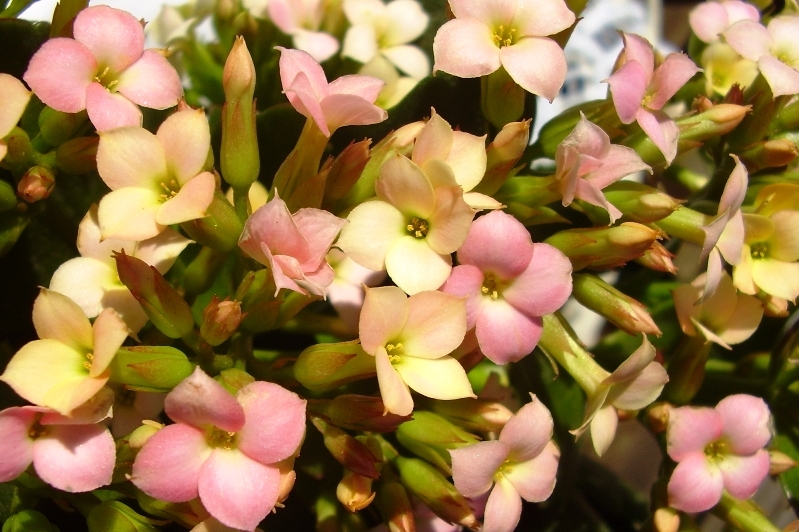
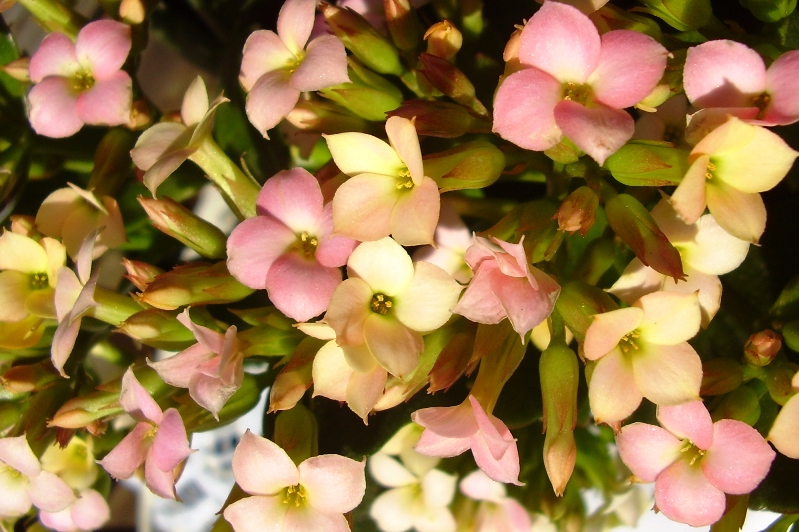
Sorry, no help with Photoshop here but I do adore your photos. Pray tell, what are those little flowers at the bottom of your posting? They are lovely. Your garden in that photo with the hanging basket looks so pretty – it’s back to freezing with snow flurries here. I can’t wait for warmer weather.
Donna